I. General
What is NoTouch Desktop?
NoTouch Desktop is the easiest to use software PC and thin client re-purposing solution in the world, it is hardware and vendor agnostic and fits into every existing environment. It consists of NoTouch Receiver, this is the software that is embedded into the field PCs or TCs, and NoTouch Center, the management console which is the central access point for all your endpoint device configuration and management, and the Stratodesk Virtual Appliance that contains NoTouch Center and an optional PXE/network boot environment.
Where can I find product documentation?
We have our Stratodesk Documentation and Knowledge Base available online; for further questions please don’t hesitate to contact us – we are happy to answer your questions!
Does NoTouch scale?
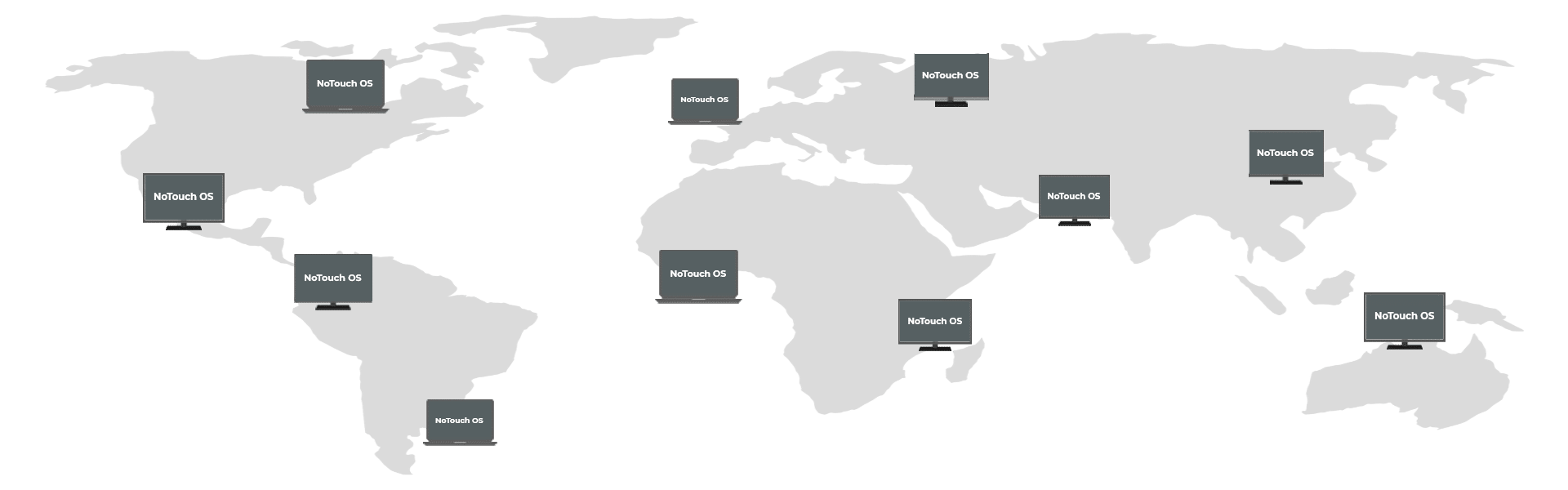
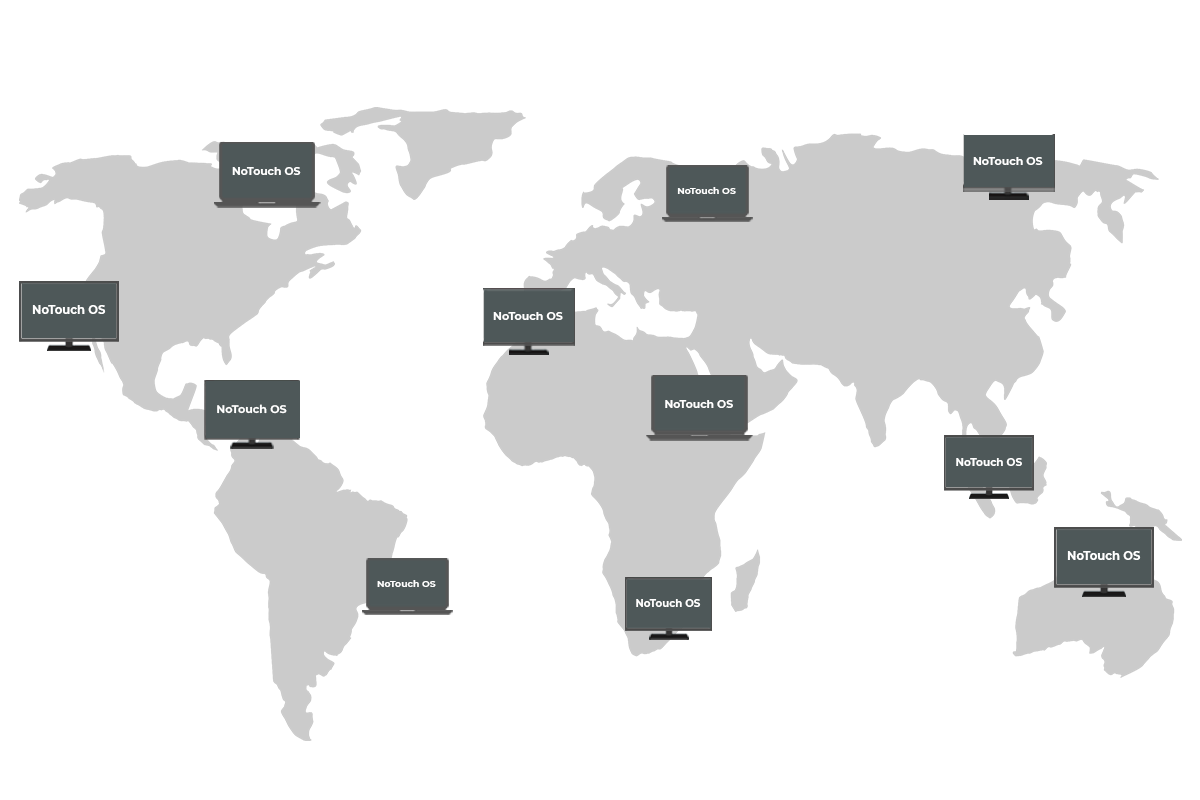
Yes, NoTouch scales! We can not emphasize that enough. You will like it whether you have a couple of repurposed machines or a corporate installation of several thousands machines of different hardware, PCs, Thin Clients, different locations, international/overseas deployments. It’s not only about technical factors like performance and fail-safe aspects that we have mastered, it is also the inheritance-based configuration paradigm that scales so well.
II. NoTouch Receiver
What is NoTouch Receiver?
NoTouch Receiver is a very-small, carefully architected operating system that runs on PCs or Thin Clients and provides instant connectivity to all popular server-side technology and connection brokers and is easily managed from a central location.
What is special about NoTouch Receiver?
NoTouch Receiver is a highly-specialized and engineered OS made from the Linux kernel along with embedded desktop components. Its installed footprint alone (ca. 120 MB, up to 250 depending on feature set) distinguishes it from any classical Linux distribution. Furthermore it has increased protections against tampering and firewalling. While a system administrator can add components if desired, the OS base image itself is immutable and thus not vulnerable to malware.
Most Thin Client Linux systems are just stripped-down versions of desktop Linux variants, but they never reach the small size and elegance of NoTouch Receiver. Most “stripped-down” systems also rely on deb/rpm packaging, so without big community support, creating a snapin/plugin/package-here-but-not-there nightmare.
On the other hand, NoTouch Receiver is not comparable to many “Embedded Linux” distributions because NoTouch Receiver includes the newest Linux kernel and device drivers to make sure it runs on the widest array of hardware possible and is compatible with the latest Citrix and VMware clients and all their new multimedia options.
What options do I have for installing NoTouch Receiver on my hardware?
We offer several options and each option can run either in live mode or install the system. These methods are supported:
- Boot from USB drive either “live” or install to system disk
- Boot from network (PXE boot) either “live” or install to system disk
- Boot from CD-ROM either “live” or install to system disk
- Boot installed version from system disk (hard drive, flash memory module, etc)
When booting in live mode your data on the system disk will not be harmed, so this is perfect for you to give it a quick test install. You can however opt to store client settings on the system disk even when running it in live mode. Most people choose to test first in live mode, and later roll it out, effectively replacing any old Windows version or other OS that resides on the system disk.
On what type of hardware does it run on?
NoTouch Receiver runs on almost any x86 hardware, including Intel (desktop and Atom), AMD and VIA CPUs. It does not run on ARM-based devices (these are usually to weak/slow for serious usage, especially multimedia), nor on so-called “Zero Clients” that lock the user into a specific protocol or server-technology. In general, NoTouch Receiver runs on about 98% of all desktop devices.
We offer a free trial, available on our homepage, download and test it first without any purchase commitment. Given the huge variety of PCs out there, you might discover a model with some incompatible components, so please feel free to test before purchasing. We are happy to assist you, should you discover any system component incompatibilities.
Can I connect to Citrix XenApp, Citrix XenDesktop, VMware Horizon View?
Yes. And not only those…but many more.
My end users will not work with Linux!
They do not have to! All an end user will see are the published applications and desktops from Citrix, VMware, and other servers. NoTouch Receiver NEVER exposes client users to Linux, a command line or deep-system oriented language. An interested system administrator can – after logging in with sysadmin credentials – explore the Linux world, but not the end users. NoTouch Receiver essentially changes a PC into a network appliance, similar in concept to a VoIP telephone or NAS appliance. That is they all have an easily defined set of configuration and maintenance options.
What does NoTouch Receiver look like to the end user?
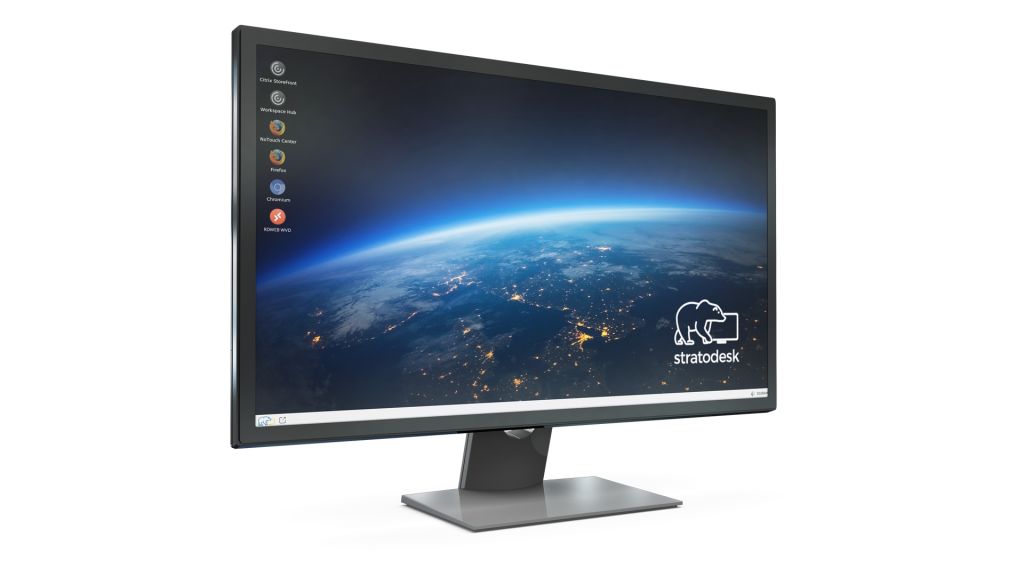
You can configure NoTouch Receiver to be practically invisible, or you can have it provide a rich desktop experience to the end users. It is configurable to meet any typical your requirements. Some of the scenarios are:
- Directly connect into a full-screen Citrix, VMware, RDP… session – effectively giving end users the impression they are working on a Windows machine.
- Provide a kiosk-style user interface, this is configured by the system administrator using different server connection options
- Show a local desktop with a typical start menu and desktop icons, with the designated Citrix Apps automatically merged, when the end user logs in.
- Or simply use a local browser for Web-only sessions for a web-kiosk-type scenario or as the starting point with many browser-based SBC/VDI products.
You can of course have a custom desktop background (“wallpaper”). NoTouch Receiver quickly and easily can download your desired wallpaper from an URL.
What is the best installation option for a roll-out?
For large networks, we suggest PXE. For smaller installation and PoCs we suggest using USB pen drives.
How long does it take to install NoTouch Receiver?
Typically this is done in about 90 seconds, depending on the speed of the target system. When you boot from a NoTouch Receiver client or PXE server, select the install option, confirm and then it copies the OS image to the system disk.
How often do I update NoTouch Receiver?
The baseline is: Update when you want, not when you must. NoTouch Receivers encapsulated design with few services makes it unsusceptible to typical malware and virus attacks. Since VDI server software providers continually release new versions, Stratodesk must frequently distribute updated versions of NoTouch Receiver in addition to our own new feature version releases.
How do I update NoTouch Receiver?
Updates can be distributed simply by providing a Web URL, or by selecting the latest version of NoTouch Receiver in NoTouch Center.
How do I configure NoTouch Receiver?
Most often you will use NoTouch Center, the central management console solution. Additionally you have the ability to connect with a Web browser directly to the device running NoTouch Receiver. After authenticating with your system administrators you can manage device settings or perform maintenance tasks such as updating NoTouch Receiver.
Can I run Windows locally, next to NoTouch Receiver?
Yes, you have many options to do so:
Dual-boot option Booting in “live” mode opposite to “installation” does not touch an existing Windows installation, so booting the original Windows is possibly at any time.
- Side-by-Side. Empowering desktop hypervisor technology is easily possible to run a local Windows in a virtualized environment on PCs capable of doing so.
- Most people however prefer to run NoTouch Receiver replacing the original Windows or legacy TC-Linux installation.
Is NoTouch Receiver a bare-metal hypervisor?
The answer depends on who you ask and the discussion about benefits or non-benefits of client-side virtualization plus exact definition of these terms. We consider NoTouch Receiver an exceptionally good bare-metal hypervisor framework, as it has a very small footprint (120MB is much less than most other products), allowing it to use different “hypervisor” plugins such as free VirtualBox or VMware Player since it has built-in server-side VDI and server-based-computing technology plus a web browser. Still if you need to run local virtual machines you can.
III. NoTouch Center
What is NoTouch Center?
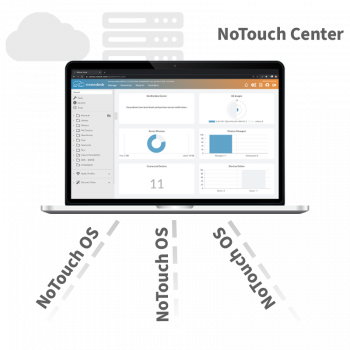
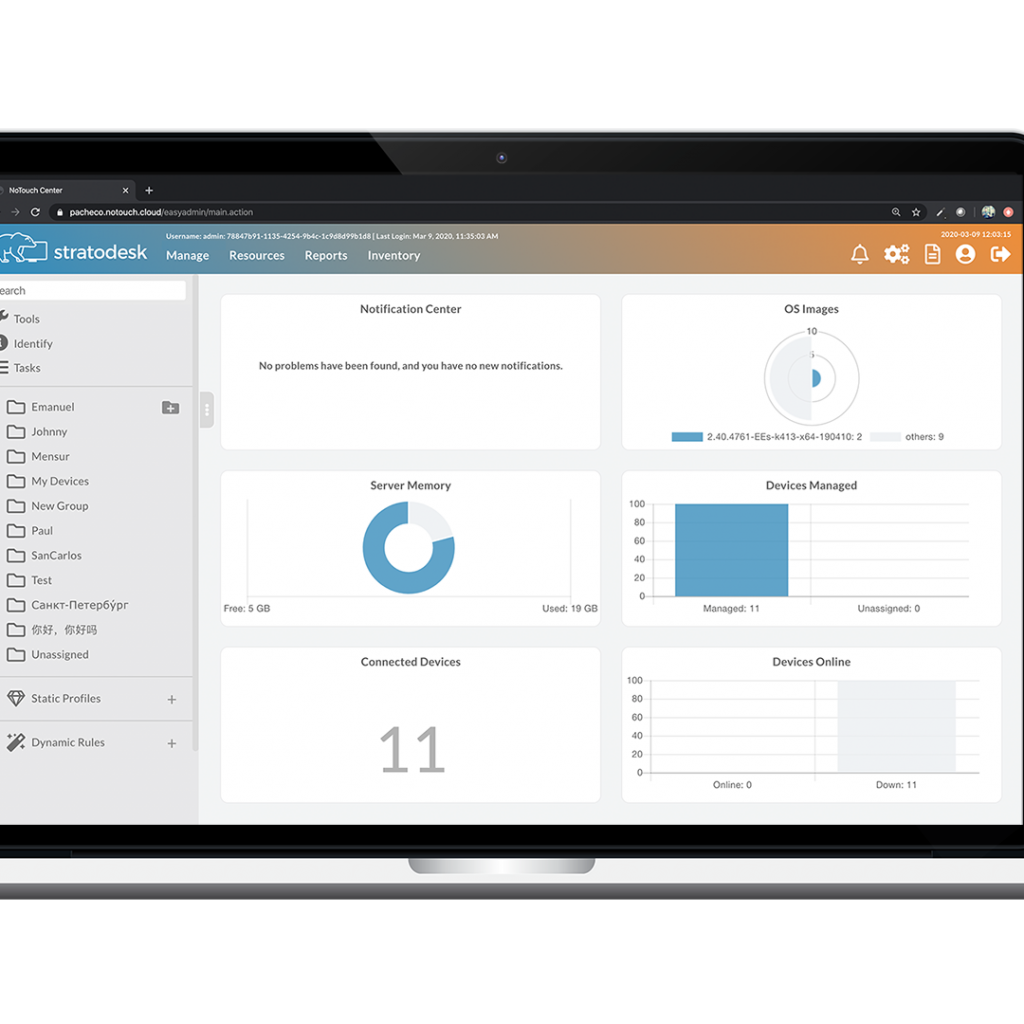
NoTouch Center is an innovative, browser based management tool, carefully designed to meet the needs of a virtual desktop network. It comes with many intelligent features and has pre-adjusted management options for different VDI and terminal services, which our customers typically require or find useful. Included is a set of security features, one of which provides for the shutdown of USB ports, while still enabling continued functionality to other designated unique USB devices. Additionally, integrated into NoTouch Center is an asset management inventory database. NoTouch Center makes for a rapid automated roll-out of NoTouch Receiver, thus simplifying an administrator’s workload giving them a great network view and enhanced client security! NoTouch Center is an integral part of NoTouch Desktop!
What does NoTouch Center do?
NoTouch Center is your central “window” to your client infrastructure in terms of:
- System configuration. What servers to connect to, what to present to end users, etc.
- Software updates. Keeping track of updates, providing different “firmware images” if necessary, push, etc.
- Inventory. Record and keep track of client-side attached peripherals.
- Reporting. Use the database to create custom reports, answering not only CIO questions but also giving valuable insights into the state of the desktop environment.
Tell me more! What type of software is NoTouch Center?
NoTouch Center is a Web-based application that uses your browser as a front-end. All major browsers are supported and a special Smartphone connector is available.
NoTouch Center is written in Java, allowing it run almost anywhere. Since most customers are running it on Windows, we provide an easy all-in-one setup.exe-style installer with no external dependencies.
The data is stored in a database (SQL-based), MySQL, MS-SQL, Oracle are all supported. Our aforementioned all-in-one installer includes both Java and MySQL. NoTouch Center includes MySQL, a free/open-source database engine, but we understand that customers have MS-SQL and Oracle servers deployed and so many prefer to use these instead of adding another database to their infrastructure.
How do NoTouch Center and NoTouch Receiver communicate – are there problems with firewalls?
It’s all based on HTTPS and HTTP – we use XML-RPC to encapsulate our own protocol requests, and this runs inside the secure SSL-encrypted HTTPS connection; unencrypted HTTP is also supported if for some reason somebody wants it. This works well across network boundaries, firewalls, masquerading, routing, VPN etc. (This question is often asked due to the fact that so many other so-called management tools rely on unsafe broadcasts and odd packet formats).
In fact, NoTouch Desktop can be run in a pull-only mode if you chose to do so, which means that it is only the client that originates the connection (much like connecting to Citrix or VMware – so this channel is included).
What is the system footprint?
NoTouch Center uses about 100-150 MB on a disk, 256 MB RAM (though you might need more in larger environments) so the database size is dependent on the number of desktops and your frequency of clearing log files. It may be as small as 20MB but it might be as large as several hundred megabytes depending upon how long you keep all logged events. Our system footprints are extremely small (and yes, we are proud of it!).
The network usage is typically a few kilobytes to and from each client per communication step, the interval can be set by you (depending on your choice of more “pull”- or more “push”-based). We do not advise you to communicate more often than each hour, but even if you do, it will not pose a problem. Distributing updates is a matter of HTTP traffic between clients and NoTouch Center’s built-in web server or any other Web server you provide. To give you a rough equivalency, one NoTouch Receiver firmware image size is similar in size to 15 digital camera pictures.
What systems does NoTouch Center run on?
Most people run it inside our Virtual Appliance where it is pre-installed; we also offer an easy-to-use installer for Windows systems (desktop or server). Technically speaking NoTouch Center can run where you have a Java Virtual Machine. NoTouch Center installs in roughly two minutes. If you install it in a Windows machine, we recommend installing it on a clean, dedicated instance to avoid having other applications spoil your experience.
How do NoTouch Center and Receiver find each other?
You can have NoTouch Center search, or you can have NoTouch Receiver find it automatically. We suggest setting up a DNS alias named “tcmgr” to point to the machine running NoTouch Center. NoTouch Receiver by default – after installation or factory reset – tries to contact tcmgr and see if there is NoTouch Center installed.
Smaller installations or during test you’ll find it handy that NoTouch Receiver and the Virtual Appliance will also find each other via well-known Zeroconf/Bonjour protocol. Enterprise installations will rather use the tcmgr DNS host name method.
Where are NoTouch Receiver OS images – “firmware images” – stored within NoTouch Center?
There is a special folder named “images” within the installation of NoTouch Center. A start-menu shortcut is created automatically. Place your files there. We suggest sharing this folder via network sharing or any other methodology that is available on the target system, depending on operating system type.
How is NoTouch Center updated?
As with NoTouch Receiver, our credo is update when you want, not when you must. We provide new, improved versions on a regular basis, and we make sure it can configure all the options of latest third-party client software such as the Citrix or VMware clients (or others) built into the NoTouch Receiver. Updates are distributed in a special one-file update format making it easy to apply, even simpler is the auto-update mechanism that downloads and applies the latest version in one step with one click.
IV. Stratodesk Virtual Appliance
What is the Stratodesk Virtual Appliance?
We have created a 64-bit virtual appliance (VA) based on Linux – Ubuntu 12.04 LTS (longterm support) – that has NoTouch Center preinstalled and a ready-to-go PXE/network boot server.
Where does the Stratodesk Virtual Appliance run?
It runs on VMware ESXi, Citrix XenServer, Microsoft Hyper-V, and it has been tested on most desktop virtualization products such as the free VirtualBox, VMware Workstation, VMware Player, Parallels Desktop and VMware Fusion (Mac).
V. Further information
How can I get more information?
Please have a look at our Stratodesk Documentation and Knowledge Base or contact us – we are happy to answer your questions!